Start Focus Area Detection
 |
This functionality may not be regulatory cleared, released or licensed for sale in all markets. |
| Where? | |||||||
 |
DTX Studio Clinic | Diagnose > |  |
Focus areas > | |
Run detection | |
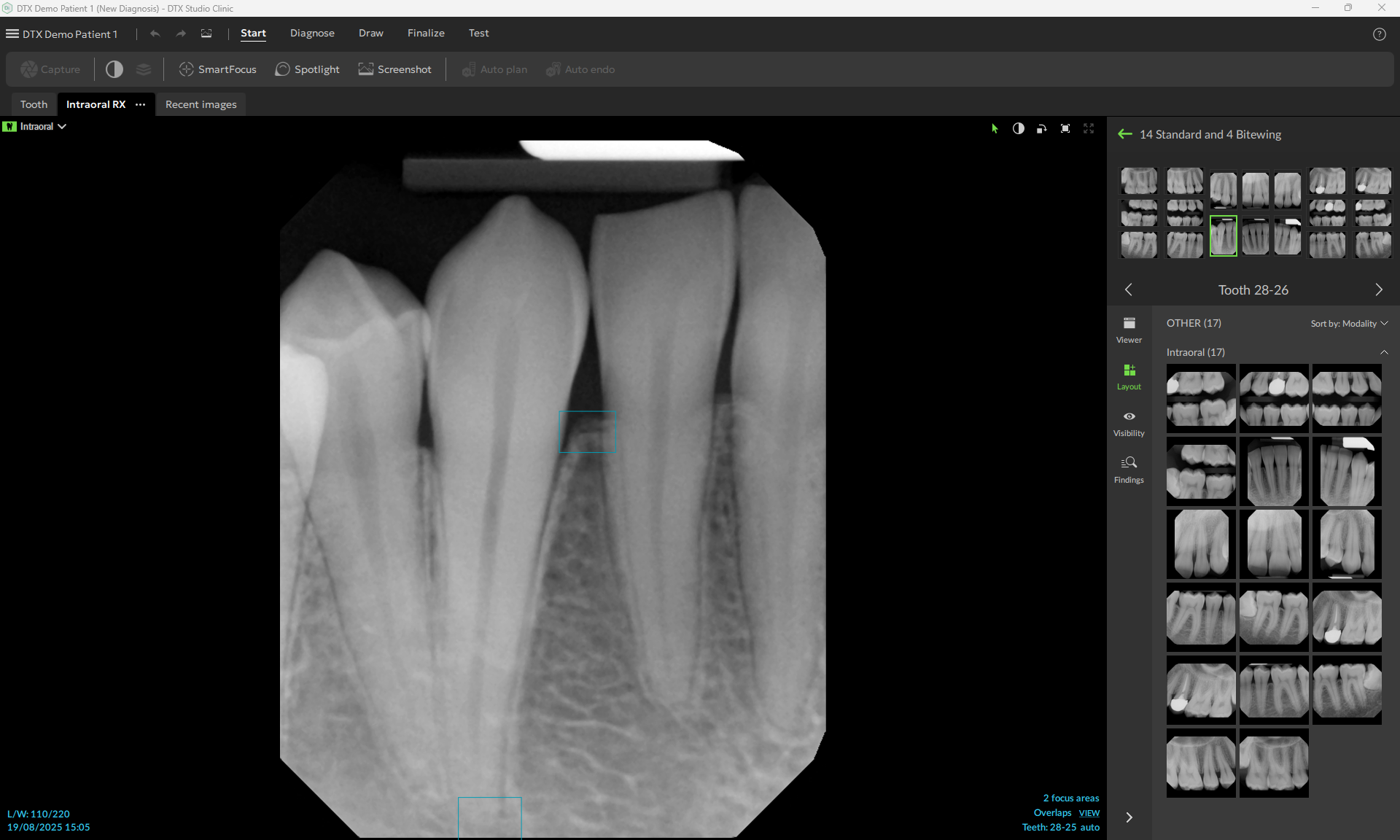
When intraoral images are captured or imported, Focus Area Detection is run automatically. If disabled in the MagicAssist settings, on the Diagnose toolbar, click Focus areas, and select Run detection.
If an image shows potential dental findings, a blue Focus Area Detection icon ( ) is shown, combined with a number, indicating the amount of dental findings.
When an image does not contain the blue icon, either no possible dental findings have been detected or the image has not been checked.
 |
This does not mean that there are no potential dental findings. Caution should be exercised when using this feature. |
If an image shows possible overlap of multiple teeth and/or scratches, a notification is displayed in the bottom-right corner. Click View to check the notification.